
THE VIBENOMAD DESKTOP COMPANION01 02 03 04
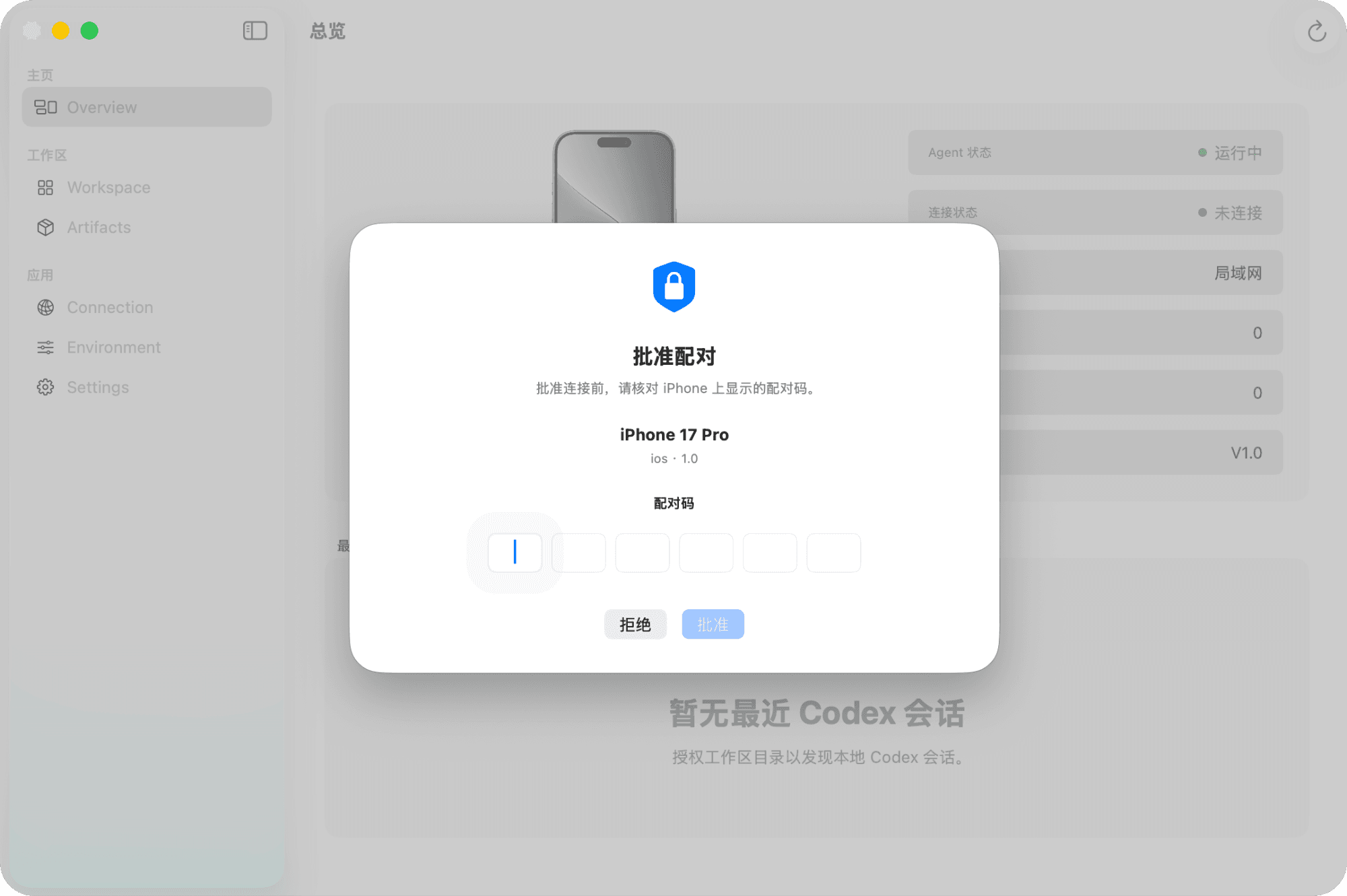
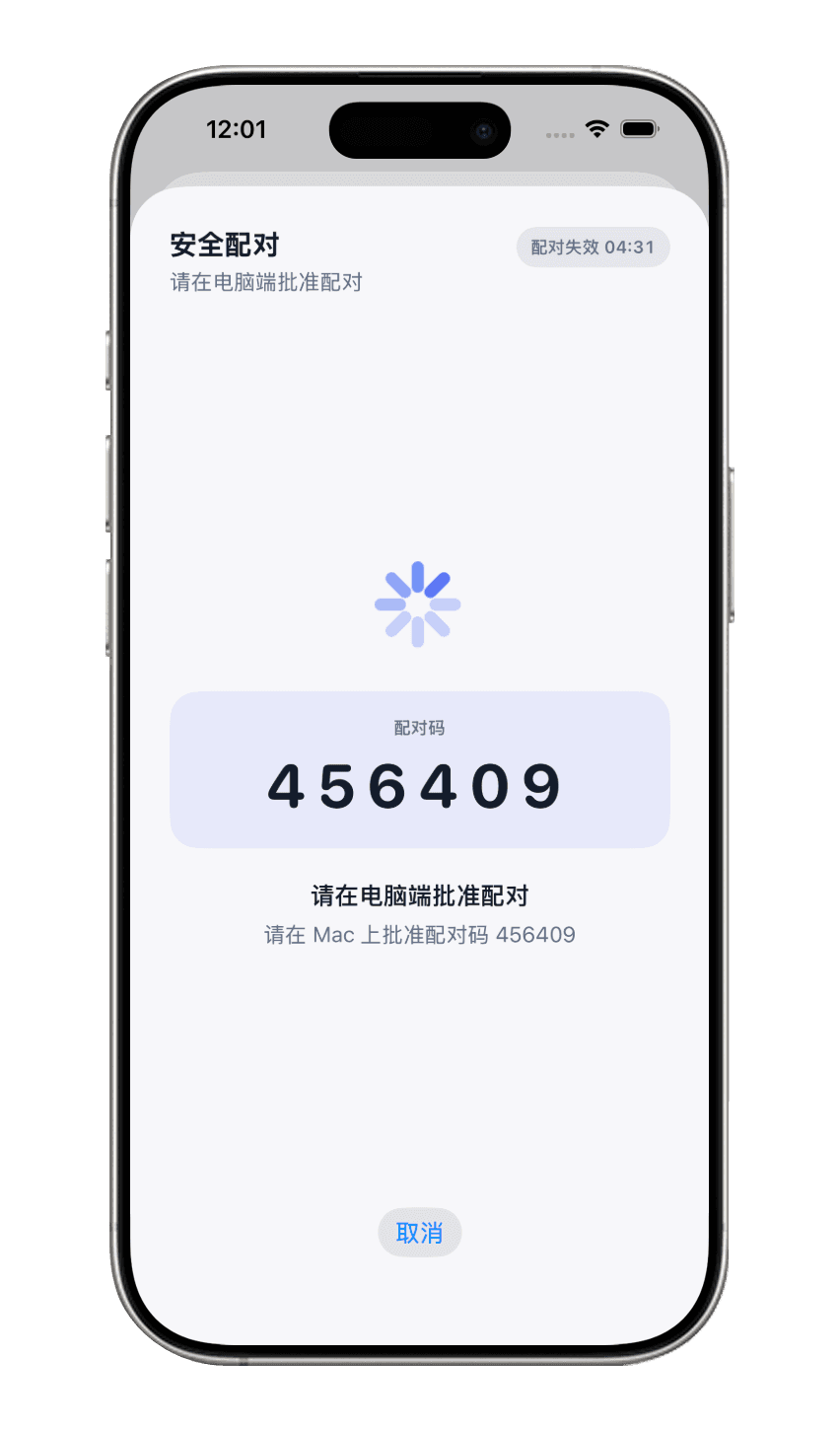
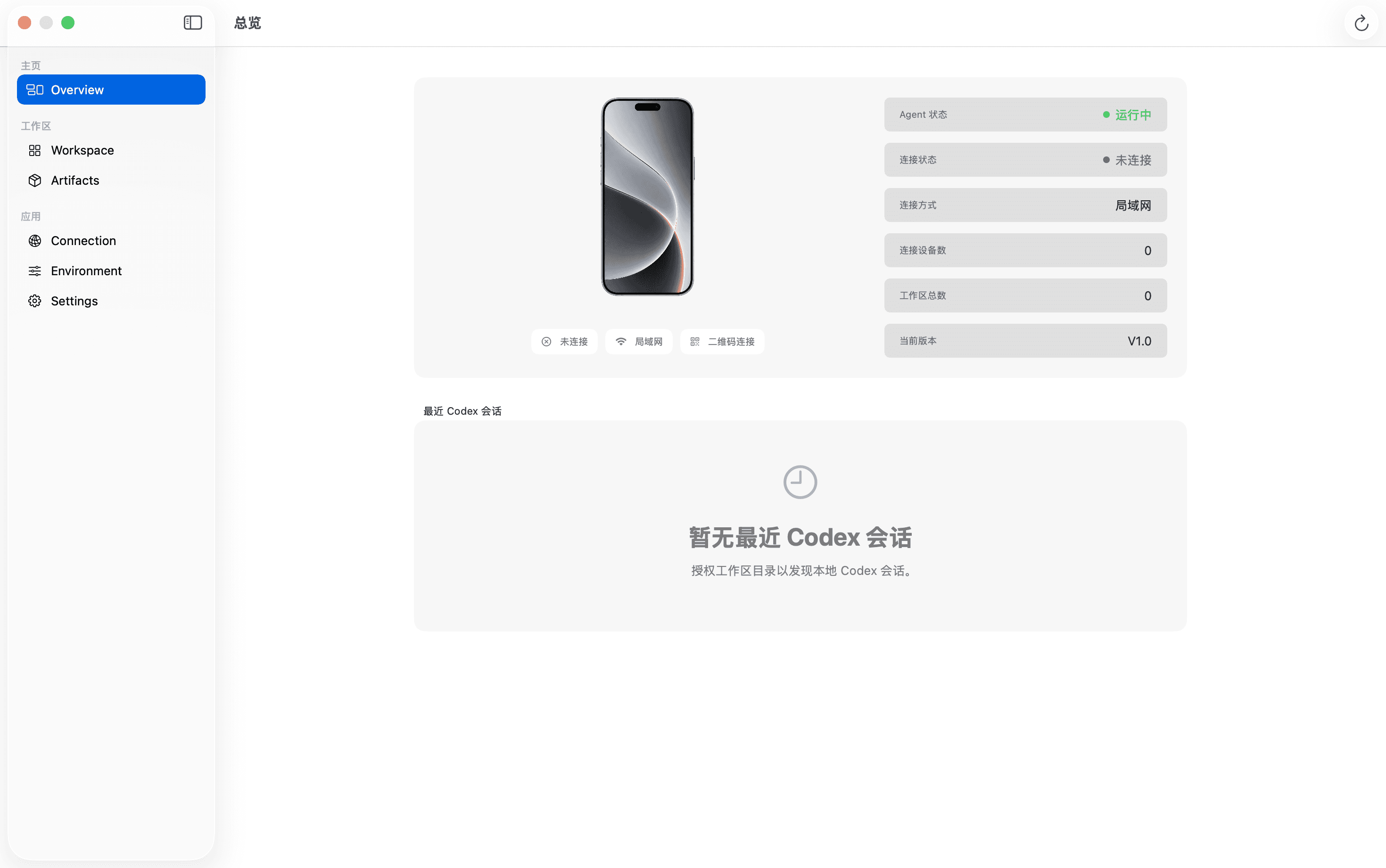
VibeNomad Agent
Device pairing
Workspace settings
Artifact management
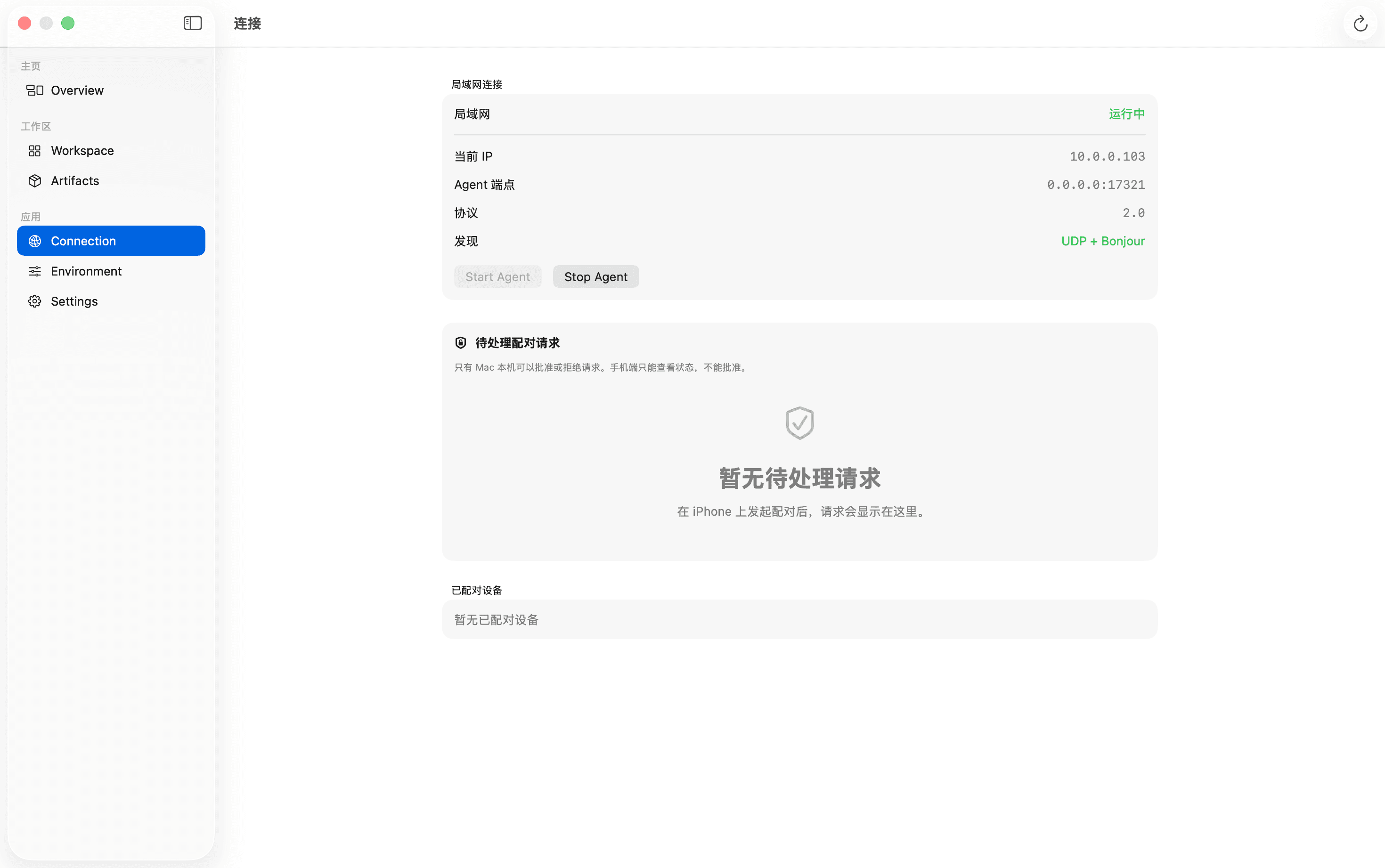
CONNECTION
Device connection
Pair your devices over a local network or the public internet.
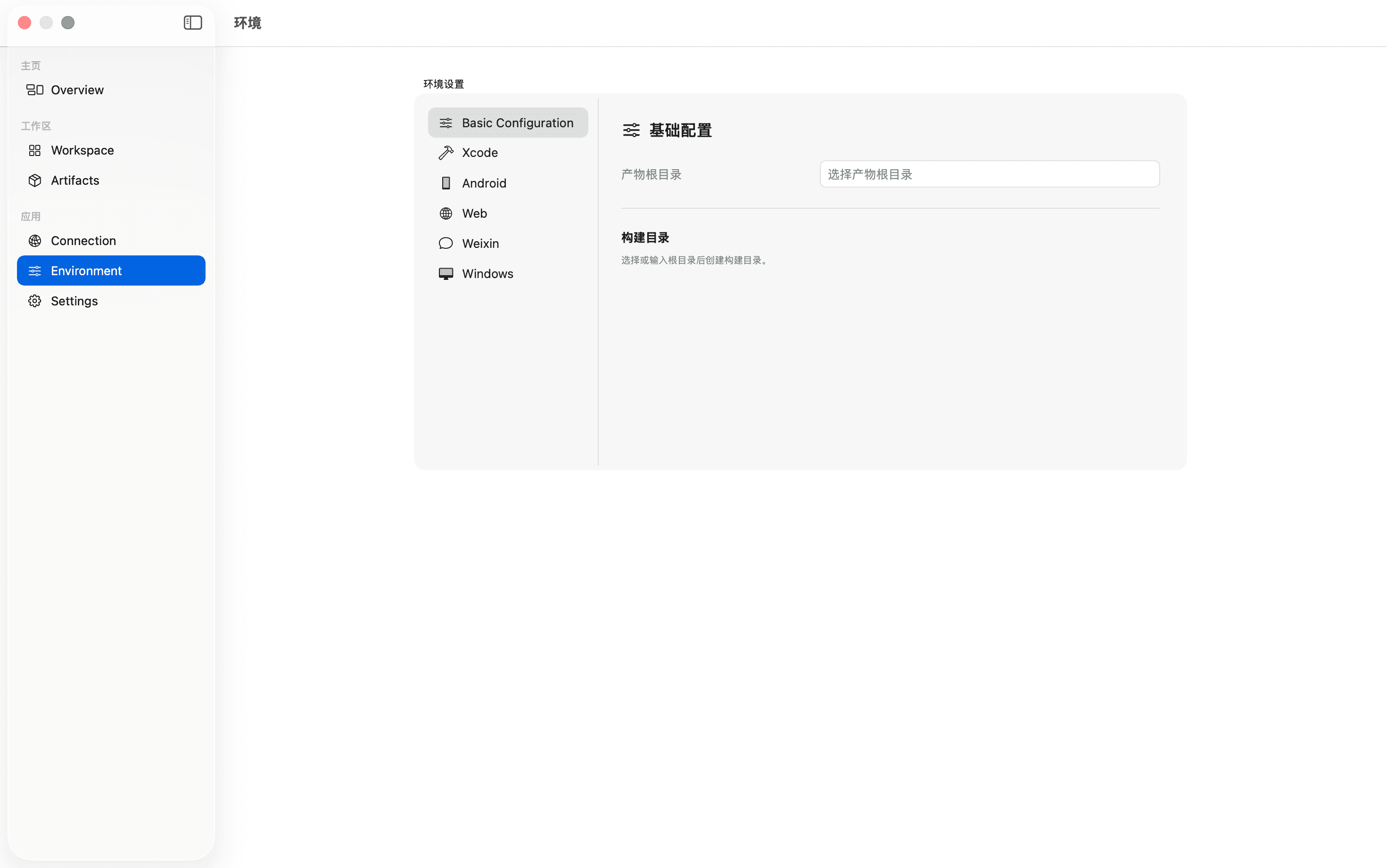
DEVELOPMENT ENVIRONMENT
Artifact management
Manage deliverables with ease across a range of development tools.
QUESTIONS, ANSWERED
Before you leave the desk.
Is VibeNomad a replacement for my development computer?
No. VibeNomad is a mobile remote layer for the computer where your tools and project already run. The exact connection requirements will be documented before public release.
Can I use it from any phone?
The first release is being designed mobile-first. Supported browsers, operating systems and app availability will be published with the early-access release.
Which connection methods are supported?
VibeNomad Agent supports local network connections. Public internet access will depend on the plan and the network requirements of the production release, which will be documented before launch.
Does VibeNomad see my code or screen?
Remote sessions may involve code, screen content, terminal output or test results. The privacy policy will describe the data flow, retention and deletion controls before launch.